Help centre · Customers and keeping them
What your customers see: approving, the glovebox and booking
The three pages a customer opens from your links — approving an estimate, their glovebox and booking a visit — and what they press on each.
For owner, service advisor · checked against the product on 2026-11-03
Every page a customer opens from your links has a small question mark of its own. It opens short, pictured steps for that page in a new tab, in the language the customer reads the page in, so a customer who is stuck can help themselves before they ring you.
Approving an estimate
Step 1: They open your link
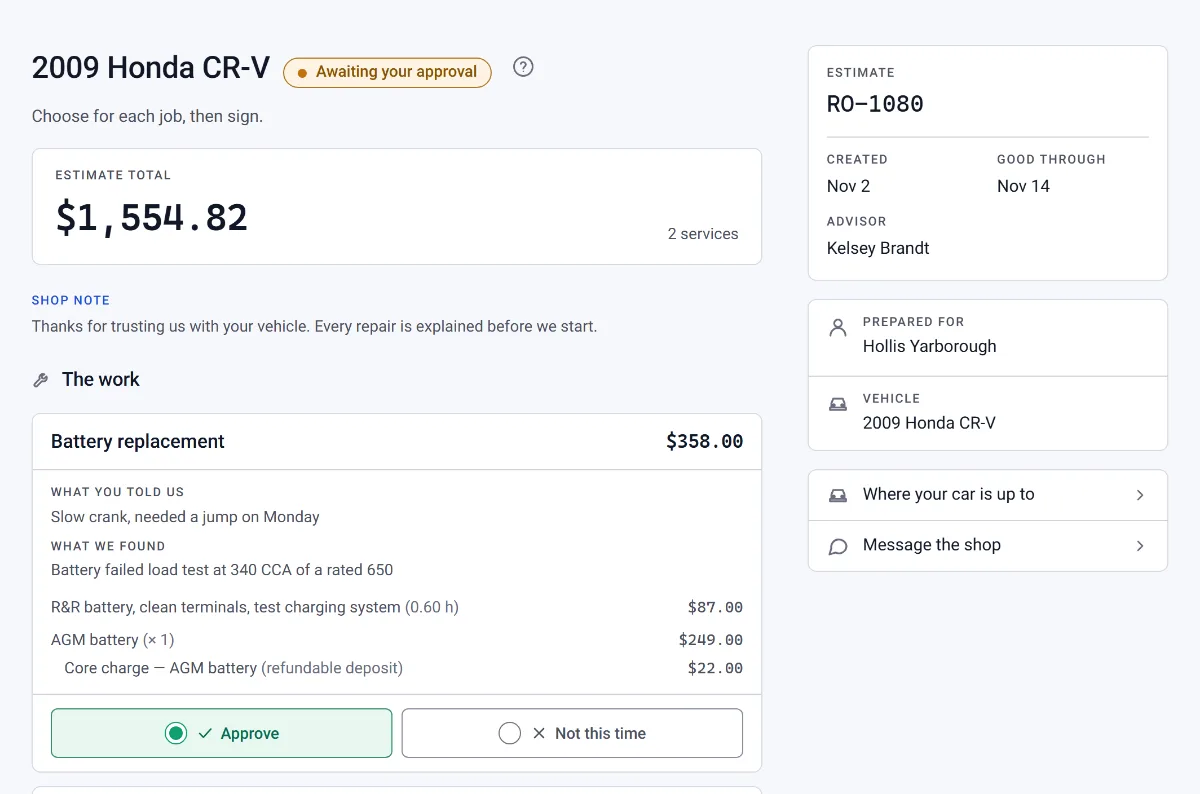
The estimate you sent opens with their car and each job you recommend.
Step 2: They decide each job
Each job has Approve and Not this time. The total follows what they choose.
Step 3: They sign and send
They type their name under Type your name to sign and press Submit approval. The answer lands on the repair order.
Their glovebox
Step 1: They open their glovebox link
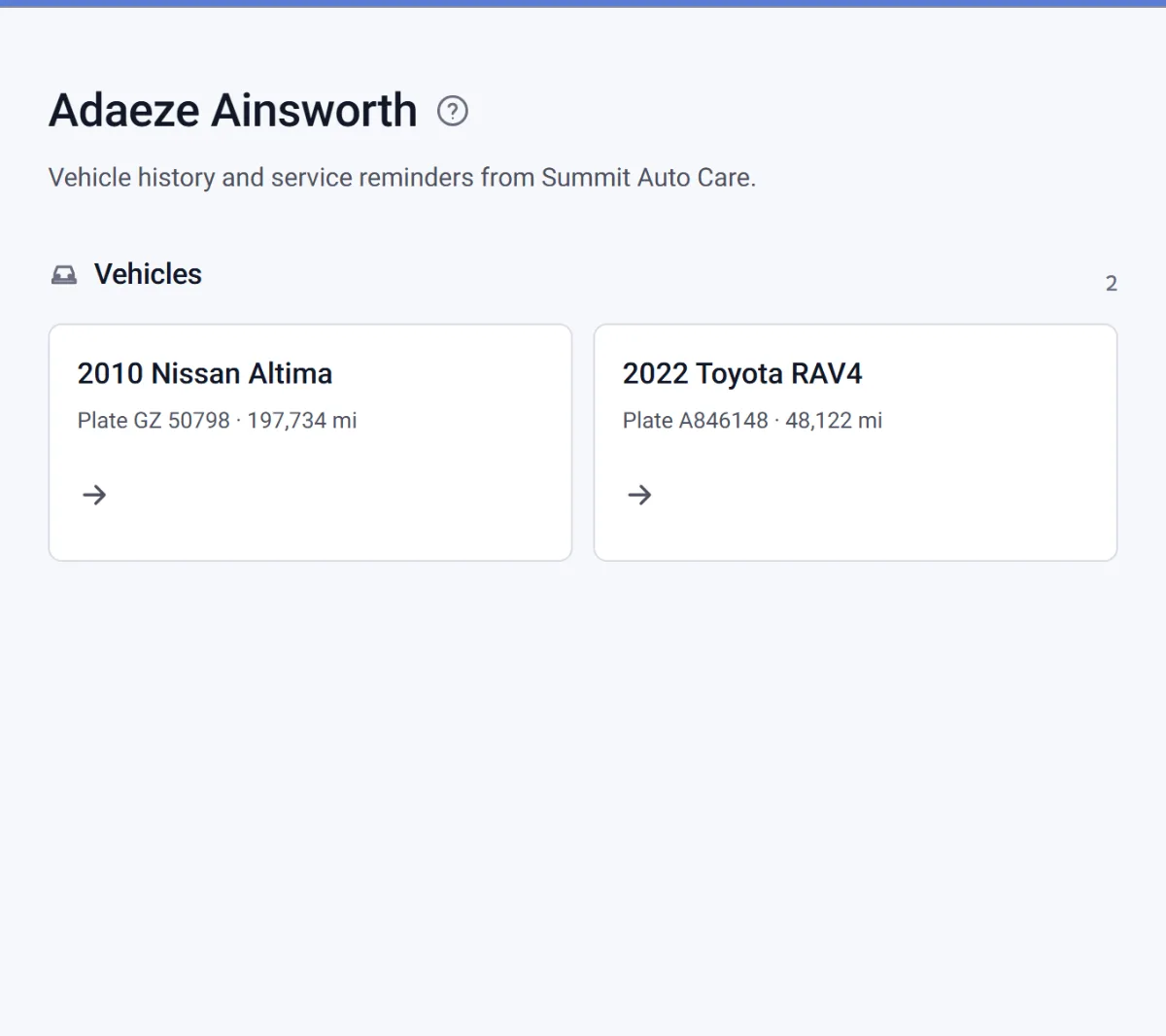
It lists every car of theirs you look after.
Step 2: They open a car
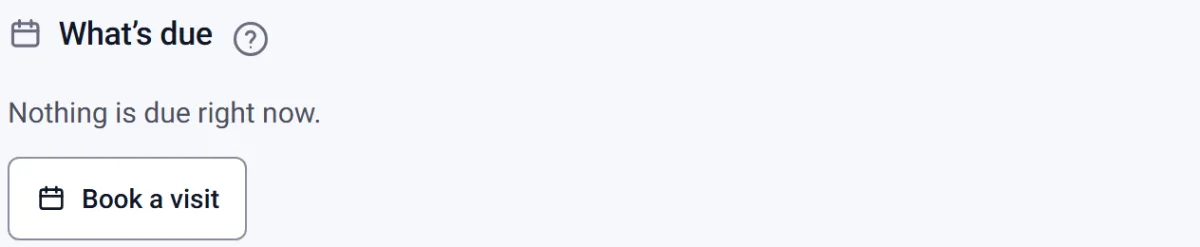
Its visits, invoices and inspections are there, and What’s due shows the next service.
How to send a glovebox link, and what it never shows, is in The digital glovebox.
Booking a visit from the glovebox
Step 1: They press Book this
Beside a service that is due, Book this opens your booking page; Book a visit under the list opens it any time.
Step 2: They pick a time
The time they pick arrives as a request under Schedule › Appointment requests for you to confirm.